
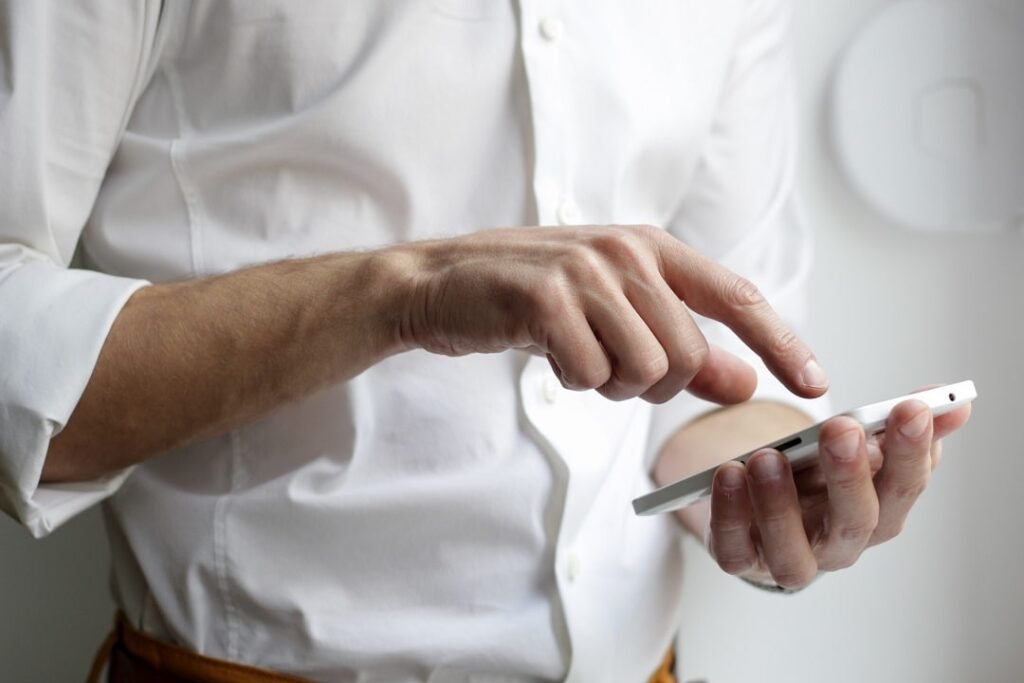
Have you ever asked yourself, what is a digital wallet? Despite existing for several years, they haven’t been embraced by everyone. This isn’t surprising, as many individuals still prefer cash and traditional cards for their transactions. Additionally, the fact that cryptocurrency also employs digital wallets, which differ significantly from standard e-wallets, can create confusion.
Once you get a clear understanding of a digital wallet, you might wonder why you hesitated to adopt one. Digital wallets significantly enhance the convenience of everyday transactions for Canadians. Here’s everything you need to know about digital wallets.
What is a digital wallet?
This might seem straightforward, but a digital wallet is essentially a virtual version of your physical wallet. Instead of carrying numerous debit and credit cards, you can store them on your smartphone. When it’s time to make a purchase, all your cards are readily accessible, eliminating the need to lug around a bulky wallet full of cards.
Moreover, digital wallets aren’t limited to processing payments; they can also store various items, including loyalty cards, boarding passes, QR codes, and much more. Having everything in one place means you won’t have to worry about forgetting any important documents or cards when you need them.
How do digital wallets work?
Nearly all modern smartphones come equipped with Near Field Communication (NFC) technology, which allows users to pay by simply tapping their devices. Once you’ve linked your cards to a mobile payment application, you can use it for transactions at any retailer that supports contactless payments.
To store your payment information, an app is required. Many users opt for Google Pay or Apple Pay for managing their digital wallets, though there are also specialized apps available for payment processing.
It’s important to note that your bank must support mobile payment functionality for your cards to be added. The majority of Canada’s prominent financial institutions offer this support, so it’s generally not a concern.
How does Apple Pay work?
Apple Pay is a default application on all recent Apple iPhone models. The process is simple; you merely need to enter your payment details. Typically, you would follow these steps:
- Launch Apple Pay
- Tap the + icon
- Choose debit or credit card
- Scan or manually input your card information
- You will receive a verification code or link from your bank
- Confirm your card, and it will be connected
Once linked, you can utilize your cards within your digital wallet for payments.
If you wish to add your boarding pass, QR codes, or loyalty cards to Apple Pay, first open the corresponding email, notification, or app that contains this information. From there, follow the prompt to add it to Apple Pay.
How does Google Pay work?
Google Pay is a leading digital wallet choice among Android users, though it isn’t pre-installed on every device due to variations among manufacturers. While Google Pixel devices come with the app already installed, Samsung devices default to Samsung Pay.
Regardless of your device brand, Google Pay is available for download from the Play Store. Once you have it, adding your cards involves the following steps:
- Open Google Pay
- Select ‘add a payment method’
- Choose either credit or debit card
- Scan or manually enter your card information
- You will get a verification code or link from your bank
- Confirm your card, and it will be linked
Additionally, Google Pay allows for the inclusion of loyalty cards, gift cards, and public transit cards. To add these types of cards, navigate within Google Pay, scroll down, and select ‘add a card.’ Choose the relevant card type and input the appropriate details.
How to use a digital wallet?
Now that you’ve set up your cards, you can start using your digital wallet. Keep in mind that your digital wallet can only be used at locations that accept contactless payments. Most credit cards have a tap limit of CAD $250; for orders exceeding this amount, you will need to insert or swipe your card instead.
Generally, making a payment involves the following actions:
- Launch your payment app
- Select the card you’d like to use
- Place your phone near the payment terminal and wait for the transaction to complete
Bear in mind that most digital wallets may require you to enter a PIN or biometric verification before processing a payment.
Are digital wallets safe?
Is it safe to use digital wallets? This is a common concern for beginners exploring the concept of digital wallets. Storing your vital information on your phone might feel intimidating, but in reality, it is one of the more secure methods for managing your banking data.
Unlike traditional cards, digital wallets do not keep your actual card details. Your credit card numbers, expiration dates, and PINs cannot be accessed directly by your digital wallet. This security is enabled through tokenization, which substitutes your sensitive information with arbitrary numbers, safeguarding your data.
Critically, merchants never receive your personal details. Therefore, in the unfortunate event of a data breach while shopping, transactions made through your digital wallet remain protected. If your phone is lost, thieves will still require your PIN or biometric data to access your cards. Even then, they would only be able to make limited purchases.
In fact, it can be argued that digital wallets offer enhanced security compared to carrying physical wallets, effectively reducing your risk exposure. If your information isn’t physically stored with you, it cannot be stolen.
It’s also important to highlight that the standard zero-liability protection from your credit card issuer still applies when using your digital wallet.
Why you should use a digital wallet
The fundamental reason to use digital wallets is the convenience they provide. You can save as many credit and debit cards, along with loyalty cards, as you want. All of this information is organized within a single application, making it easy to manage.
For instance, many individuals carry several credit cards due to different perks and rewards. You might choose one for grocery shopping and another for fuel expenses. Additionally, you may possess a competitive credit card in Canada, where you’re trying to fulfill the minimum spending requirement to secure your welcome bonus.
Moreover, if you shop at businesses that partner with Aeroplan or Air Miles, having your loyalty info in your digital wallet allows you to collect extra rewards.
Let’s not forget about the added security features. Using a digital wallet significantly reduces the likelihood of information being compromised, unlike the risks associated with physical cards.
In conclusion, a digital wallet is simply a highly convenient and secure means of handling your daily transactions.